Before you start
You need the Fontavio app and a free account for adding and editing places.
Add each facility as its own place: a hostel with showers, toilets, drinking water and a laundry adds four places. That way filtering works for each place, and you can add hours and price for each.
Adding a facility
Adding a facility works the same for a business as for anybody else: How to add a place has instructions with screenshots, and info on when it appears on the map.
Price and access are two different questions
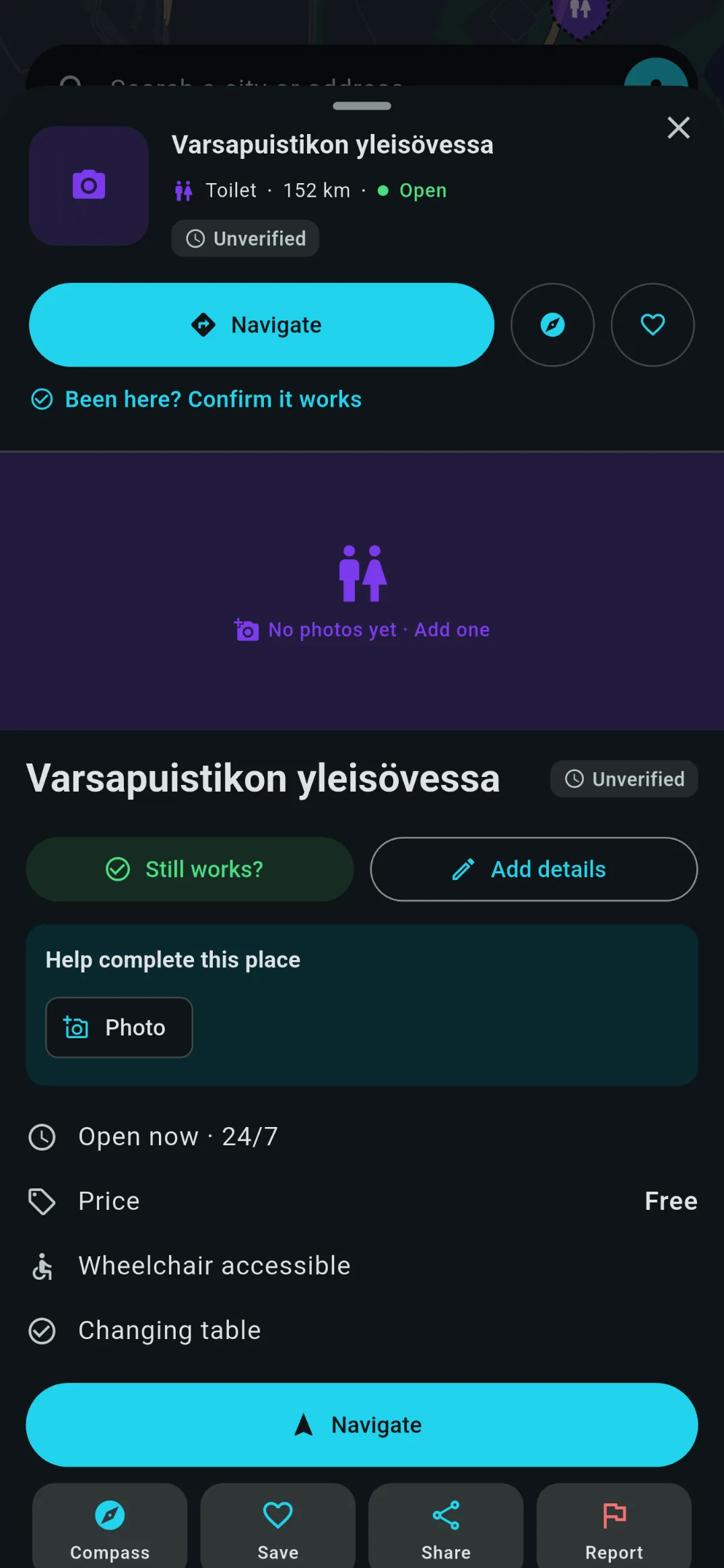
Price is whether using it costs money. Access is whether a passer-by can use it, or if it's only for customers. Price and access are shown in the app.
- Open to everyone Anyone can walk in and use it, whether they pay for it or not. A hostel shower that non-guests can buy is open to everyone.
- Customers only You must already be a guest or a customer to get to it. It says nothing about price: a campsite shower can be customers only and free.
- Permit needed Visitors can use it, but need a key, card or pass from somewhere else first, such as the harbour office.
If non-guests can use it for a fee, choose "Open to everyone" and "Paid". Choosing "Customers only" for a shower anyone can buy hides it from travellers using the app's "Public access" filter, who are willing to pay for the shower, but not looking to stay the night, for example.
When you choose Paid, a price field appears. Write the price the way you would say it at the desk: "€3", "€3, free for guests", "€5 wash, €3 dry".
Examples
What to choose for common cases, drawn the way the two selectors look in the app.
Anyone can come in and pay. Write the price, and "free for guests" if it is.
- Free
- Paid
- Open to everyone
- Customers only
- Permit needed
Only people staying can get to it, and they pay nothing extra for it.
- Free
- Paid
- Open to everyone
- Customers only
- Permit needed
Only members get in, and the membership is what they pay for.
- Free
- Paid
- Open to everyone
- Customers only
- Permit needed
Anyone may walk in and use it without buying anything.
- Free
- Paid
- Open to everyone
- Customers only
- Permit needed
Visitors can use it, but need a key or card from somewhere else first.
- Free
- Paid
- Open to everyone
- Customers only
- Permit needed
Anyone can walk in, and the machines take payment.
- Free
- Paid
- Open to everyone
- Customers only
- Permit needed
What happens next
The general answer is on the add-a-place guide: a person checks everything from a new account, then the map takes up to an hour to catch up, so a new place never appears instantly for everyone else.
Places that belong to a partner work differently, on purpose. Every change to one is read by us first, whether it comes from the business or from a passing stranger. It means your own edits are not instant, and it also means nobody else can quietly change your opening hours: we check with you first.
If a facility is already on the map, don't add it again: the app refuses a second place of the same kind within 25 m. Open the existing one and fill in what is missing instead.
What a partnership is
Everything above is free and always will be. A partnership adds your business to the facilities you have already listed: your name and logo on each of them, your website and booking links, and a page of your own on fontavio.com. Each of those places is labelled Sponsored, in the app and on the website, and partner places are also highlighted on the map.
It does not change results based on distance. The nearest-first list a traveller gets works the same whether you are a partner or not. The one exception is search: if one of your places matches what somebody typed, it can show first with a Sponsored label.
Your pictures
Photos of the facility
You add these in the app, when you add or edit a place, the same way any contributor does. They show the facility and no people in it.
Your logo and business photo
These two you upload in the partner portal. The logo appears beside your places in the app, on your cards, and on your Fontavio page: check it still reads at about the size of a thumbnail, because that is how it is usually seen. The business photo is on your Fontavio page only, and never in the app.
The business photo is your page, so present the business the way you want it seen. If people are in it, get permission from everyone recognisable first.
Upload the logo square: it is shown in a square space, so a wide one ends up small. Any background colour you like, and if the image has a transparent background we put white behind it. If you would rather it did not run edge to edge, leave a little space around it in the file, because we do not add any.
Both are optional and the pages read correctly without either. JPEG, PNG or WebP. A new upload replaces the one before it, and we resize every picture ourselves, so upload the good version rather than a version you have already shrunk.
Your description
Up to 500 characters, shown in the app and on your page. The reader is somebody deciding whether it is worth walking over, so the useful things are the ones they cannot see from the map: that reception is open until ten, that a fresh towel and shampoo are included, that you sell a token at the bar.
When a change shows up
A change you save is confirmed by us first, usually within 24 hours. After that, it still takes a while before it is live:
- In the app Within about an hour.
- On fontavio.com Up to a week, because your page is rebuilt along with the rest of the site.
If something needs to change sooner than that, write to [email protected] and we can expedite the process.
Staying listed
Confirm your details every 90 days in the portal with the button there. This is just to make sure data in partner places is still accurate to users.
If the confirmation lapses, the listing is flagged in the portal and on our side as overdue rather than taken down on the spot. Confirming brings it straight back.
Keep the hours up to date between confirmations too. It saves travellers from suggesting edits or reporting your place when something has changed.
Anything else, write to [email protected].